Charging Habits for Health Wearables
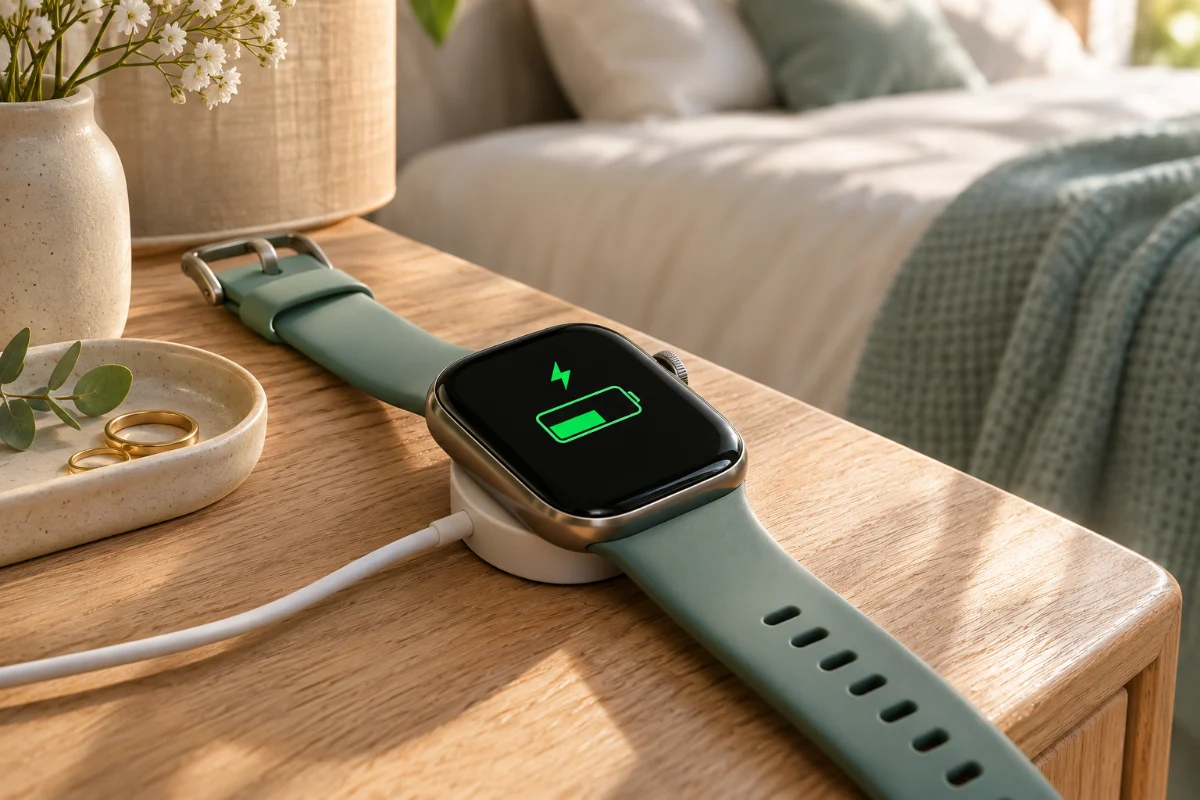
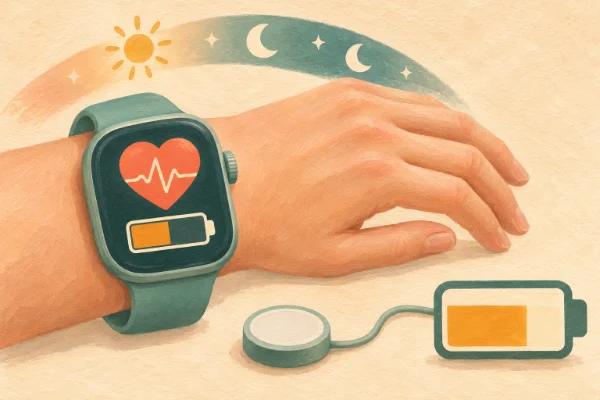
When I first began wearing a fitness tracker, I fell into a frustrating cycle. I would wear my smartwatch for a few days, completely forget to charge it, and then wake up ready for a morning run only to find a dead screen on my wrist. It is incredibly discouraging when the technology meant to support our wellness journey ends up causing stress simply because of a drained battery. If you rely on a smartwatch or a smart ring to monitor your daily steps, track your sleep cycles, and keep an eye on your heart rate, developing a reliable charging routine is absolutely essential. By the end of this article, you will learn the best charging habits to keep your health wearable ready at all times, ensuring you capture every vital metric while significantly extending the overall lifespan of your device.
The Science of Wearable Batteries
Before we dive into building a routine, it is helpful to understand the technology strapped to your wrist or finger. The core technology powering almost every modern smart ring and smartwatch is the lithium-ion battery. These batteries are incredibly efficient for their size, but they have distinct preferences. Unlike the older nickel-cadmium batteries from decades ago, lithium-ion batteries do not have a "memory." This means they do not need to be completely drained to zero before being recharged. In fact, deep discharges actually harm the chemical structure of a lithium-ion battery, reducing its total capacity over time.
Because the batteries inside health wearables are so remarkably small—especially in smart rings—they are particularly sensitive to how they are charged. Implementing mindful charging habits is not just about having enough power for today's workout; it is about protecting the internal chemistry so your device lasts for years rather than months.
A Step-by-Step Guide to Optimal Charging Habits
Creating a seamless charging routine requires shifting your mindset from "charging when it is dead" to "topping it up when it is convenient." Here is a step-by-step approach to keep your wearable perfectly powered.
- Adopt the "Snack Charging" Method: Instead of waiting for your device to reach ten percent and leaving it plugged in for two hours, give it small "snacks" of power throughout the day. A quick fifteen-minute charge while you are in the shower or washing dishes is often enough to replenish the battery used over the last twenty-four hours.
- Aim for the 20-80 Sweet Spot: Lithium-ion batteries thrive when they are kept between twenty and eighty percent charged. Pushing a battery to a full one hundred percent puts stress on the internal cells, and letting it drop below twenty percent can cause long-term capacity degradation. Try to unplug your tracker before it hits maximum capacity.
- Protect the Device from Extreme Temperatures: Heat is the ultimate enemy of battery health. Never charge your smartwatch in direct sunlight, on a hot windowsill, or in a sweltering car. Room temperature is ideal. If your wearable feels unusually hot to the touch while plugged in, unplug it immediately and let it cool down before continuing.
- Maintain Clean Charging Contacts: Over time, sweat, lotion, and dead skin cells accumulate on the metallic charging pins on the back of your device. This buildup creates resistance, meaning your device charges slower and generates more heat. Once a week, gently wipe the charging contacts on both the device and the cable with a dry microfiber cloth or a cotton swab lightly dampened with rubbing alcohol.
An Alternative Approach: The Scheduled Rest Day Charge
If you own a wearable with a robust battery life—such as a Garmin watch, an Oura Ring, or a basic fitness band that lasts a week or more—snack charging might feel completely unnecessary. For these devices, an alternative method is the "Scheduled Rest Day Charge." Pick one specific morning a week, perhaps a Sunday when you are taking a rest day from the gym and enjoying a slow morning. Take the device off, plug it in, and let it charge fully while you read a book or enjoy your coffee. This builds a reliable weekly habit, ensuring you start every new week with a full battery without having to think about it daily.
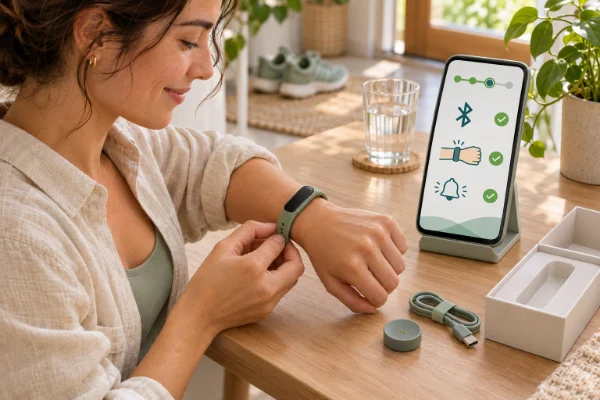
My personal tip: I highly recommend keeping your primary charging cable plugged in right next to your bathroom sink, rather than on your nightstand. Since we want to wear our trackers to bed to monitor our sleep, the nightstand is the worst place for a charger! By keeping it in the bathroom, you can seamlessly pop your watch or ring onto the charger while you shower and complete your skincare routine. It is built-in, effortless "snack charging."
How to Know Your Routine is Working
The clearest indicator that you have successfully integrated these charging habits is the complete disappearance of "battery anxiety." You will know your routine is working when you no longer have to check your battery percentage before heading out for a long hike or going to sleep. Your device will consistently hover in that healthy mid-range, and you will notice that your health data graphs in your companion app are continuous, with no frustrating gaps from unexpected shutdowns.
Common Obstacles and Practical Solutions
Even with a great routine, charging issues can still pop up. Here are the most common obstacles and how to overcome them:
- Obstacle: The Overnight Charging Trap. It is incredibly tempting to take your watch off before bed and leave it plugged in all night. Solution: If you are charging overnight, you are missing out on crucial sleep data, which is one of the most important metrics for overall wellness. Furthermore, leaving a device on the charger for eight hours keeps the battery at maximum voltage for a prolonged period, which accelerates degradation. Move your charging time to your morning prep or evening wind-down instead.
- Obstacle: Frayed or Cheap Third-Party Cables. When your original cable breaks, buying the cheapest alternative online seems like a good idea. Solution: Cheap cables often lack the necessary safety chips to regulate voltage. This can push too much current into your wearable's tiny battery, causing overheating and permanent damage. Always invest in certified or original replacement cables to protect your expensive device.
Adjustments for Daily Scenarios
Your charging habits should be flexible enough to adapt to your lifestyle. If you are traveling for a long weekend, turn off non-essential features like the always-on display and continuous blood oxygen monitoring to stretch the battery life, so you do not have to worry about finding an outlet in a busy airport. If you are participating in a marathon or an all-day hiking trip that requires heavy GPS usage, break the 20-80 rule for that specific day and charge your watch to a full one hundred percent before you start. The goal is to protect your battery during everyday use, so it is fully capable of supporting you during your most demanding activities.
Sometimes I have been asked this:
1. Is it bad to leave my wearable charging overnight?
Yes, it is generally discouraged for two reasons. First, you miss out on valuable sleep tracking data. Second, holding a lithium-ion battery at one hundred percent for hours on end stresses the internal chemistry, which can shorten the overall lifespan of the device.
2. Can I use my phone's fast-charging brick for my smartwatch?
Most modern smartwatches have internal regulators that will only draw the amount of power they can safely handle, so plugging your watch cable into a fast-charging brick is usually safe. However, to be absolutely cautious with smaller devices like smart rings, a standard 5V/1A charging block or a computer USB port is the gentlest option.
3. Why does my smart ring battery drain faster on some days?
Battery drain is not always constant. If you spend the day in very cold weather, the battery has to work harder. If you are highly active and your heart rate is elevated, the optical sensors flash more frequently to capture the data. Software updates downloading in the background can also cause a temporary spike in battery usage.
4. Should I let the battery die completely before recharging?
No, you should actively avoid letting modern wearables die completely. Deeply discharging a lithium-ion battery to zero percent can cause irreversible damage to the cells. It is always better to recharge when the device hits twenty or thirty percent.
5. Do third-party charging cables damage the battery?
They certainly can. While some reputable third-party brands make excellent cables, unbranded or extremely cheap cables often lack proper voltage regulation. This can lead to your device overheating while on the charger, which is highly detrimental to its long-term functionality.
Final Thoughts on Preserving Your Tech
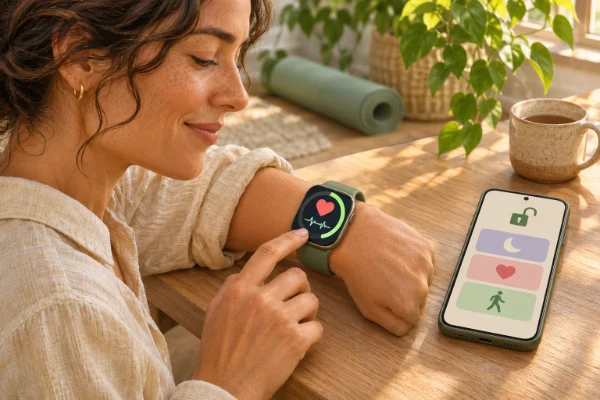
Your health wearable is a powerful tool designed to give you continuous insights into your wellbeing. By shifting away from long, stressful charging sessions and adopting small, consistent charging habits, you protect the delicate battery inside. Keeping your device clean, avoiding extreme heat, and maintaining that twenty-to-eighty percent sweet spot ensures that your technology is always ready to support you. Take a moment to rethink where your charger is plugged in today, and make your wellness tracking a truly seamless part of your lifestyle.