Health Tracker Setup Guide: Prep for Your First Week
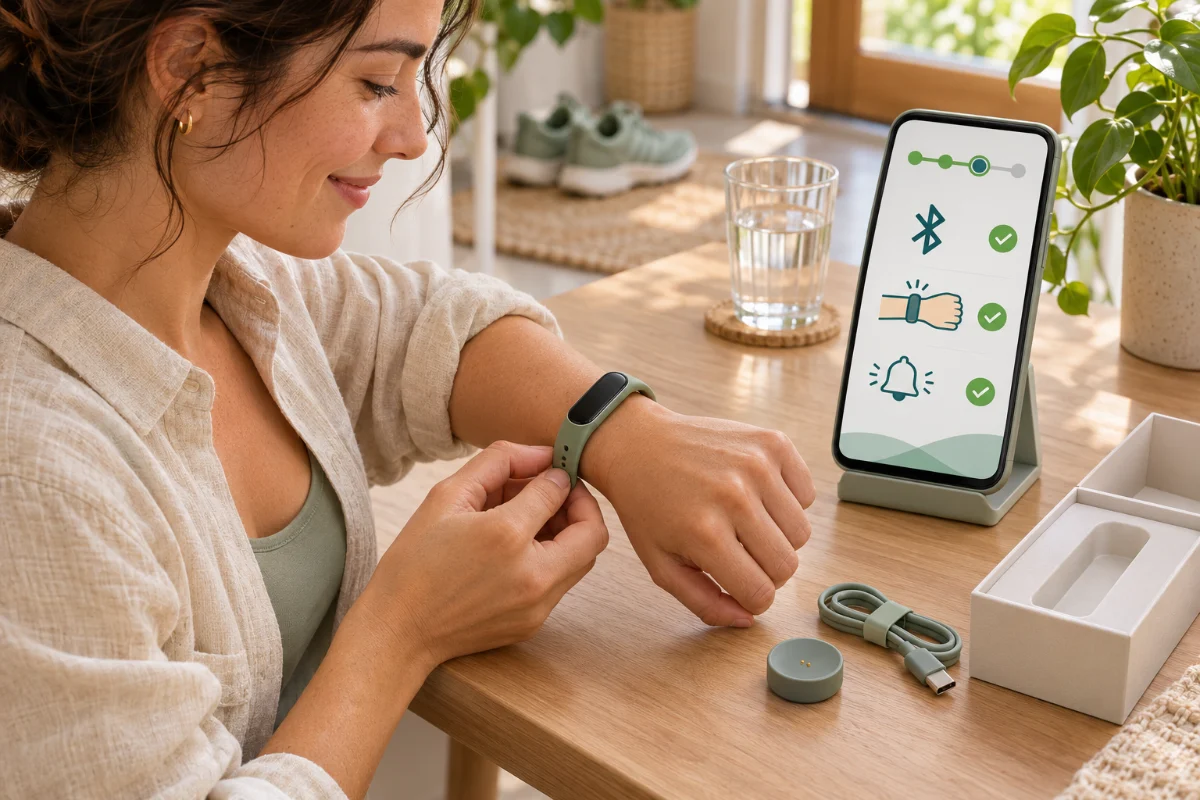
Opening a brand new fitness watch is exciting, but jumping straight into wearing it without a proper health tracker setup often leads to frustration. I vividly remember unboxing my first device, strapping it on, and spending the next three days overwhelmed by constant buzzing for every single email and social media alert. In this guide, I will walk you through the crucial settings you need to adjust before your first week of daily use. You will learn how to tailor the device to your lifestyle, protect your mental peace from notification fatigue, and ensure the data it gathers is actually accurate. Think of this as your foundational masterclass for making your wearable work for you, not the other way around.
What You Need Before Starting
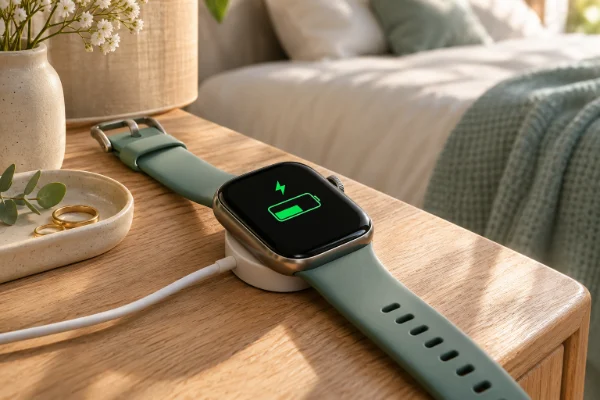
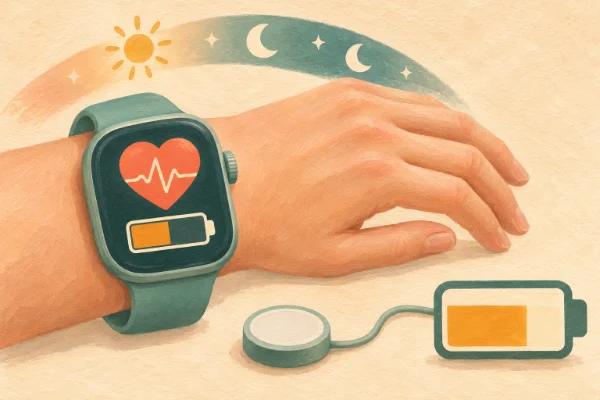
Before we dive into the menus, make sure you have about thirty minutes of uninterrupted time. Your wearable should be plugged in and charging to 100%, as firmware updates can drain the battery quickly. You will also need your smartphone with the device's companion app already downloaded and an active Wi-Fi connection. Grab a cup of tea, get comfortable, and let's configure your new wellness companion properly.
Step-by-Step: The Essential Health Tracker Setup
Follow these steps in order to build a solid foundation for your device. This methodical approach prevents the most common beginner frustrations.
- Pair and update the firmware: Open the companion app, pair your device via Bluetooth, and immediately check for software updates. Never skip this step, as manufacturers often release critical bug fixes right after the device leaves the factory.
- Input accurate biological data: Navigate to your profile settings and honestly input your current age, height, and weight. The algorithms use this baseline to calculate your basal metabolic rate and active calorie burn accurately.
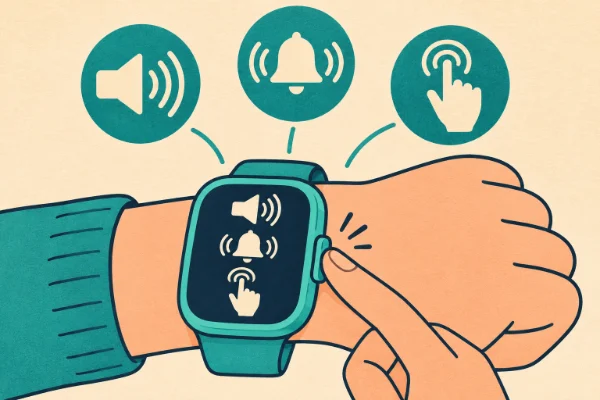
- Perform a notification purge: This is the most important step for your sanity. Go into the notification settings and turn off alerts for social media, news apps, and non-urgent emails. I highly recommend allowing only phone calls and direct text messages.
- Configure sleep and Do Not Disturb (DND) schedules: Set an automatic DND window that aligns with your bedtime. There is nothing worse than being woken up at 2 AM because your wrist vibrated with a promotional email.
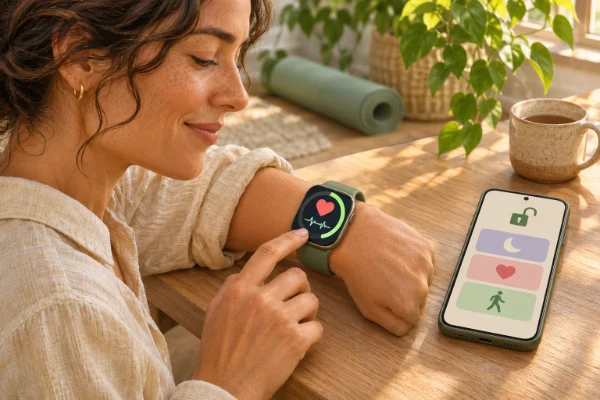
- Select an intentional watch face: Choose a display that highlights the one metric you care about most right now, whether that is a daily step ring, current heart rate, or simply a clean digital clock. Keep it simple.
An Alternative Approach to Setup
If configuring apps and menus feels completely overwhelming, you can take a minimalist approach. Simply pair the device, input your basic height and weight, and completely disable the Bluetooth connection to your phone during the day. Let the tracker record your movement silently in the background, and only sync it via Bluetooth once a day—perhaps right after dinner—to review your stats. This reduces the device to a pure health monitor rather than a smartphone extension.
My personal tip
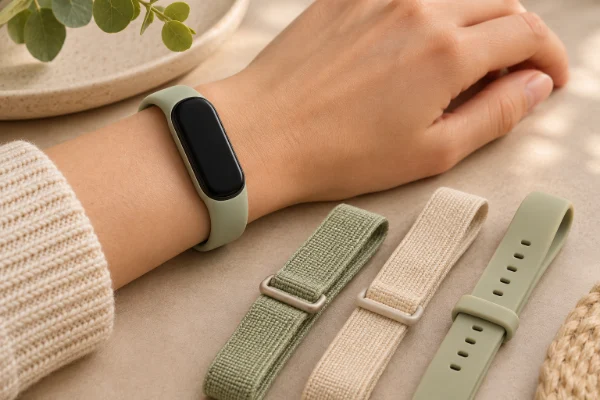
My personal tip: Give your wrist a breather! Wear the tracker slightly loose during the day so your skin can breathe, and tighten it by just one notch right before you go to sleep. This ensures the optical heart rate sensor stays flush against your skin for accurate sleep staging without causing daytime discomfort or contact dermatitis.
How to Know if Your Setup is Working
You will know you have successfully completed your setup when the device feels like a natural, unobtrusive part of your day. The battery should easily last its advertised duration, you should not feel anxious about constant vibrations, and the data you see in the app should reflect your actual effort. If you finish your first week feeling motivated rather than micromanaged, your configuration is perfect.
Common Mistakes and How to Avoid Them
A frequent mistake is turning on continuous SpO2 (blood oxygen) tracking when it is not medically necessary. This feature drastically drains the battery on almost all smartwatches. Unless you are adjusting to high altitudes or have a specific health reason, set it to spot-check or sleep-only mode. Another common obstacle is inaccurate step counts from dominant arm movements. Always ensure you tell the app which wrist you wear the device on; wearing it on your non-dominant hand usually yields the most accurate data.
Adjustments and Usage Scenarios
If you have a desk job, definitely enable the "idle alerts" or "move reminders" to prompt you to stand up every hour. However, if you are a teacher, nurse, or someone constantly on their feet, turn these reminders off immediately, as they will only annoy you when you finally get a chance to sit down. Adjust your screen brightness to auto, or set it to a medium-low level to conserve battery while keeping it readable indoors.
Sometimes I have been asked this:
1. Should I wear my health tracker in the shower?
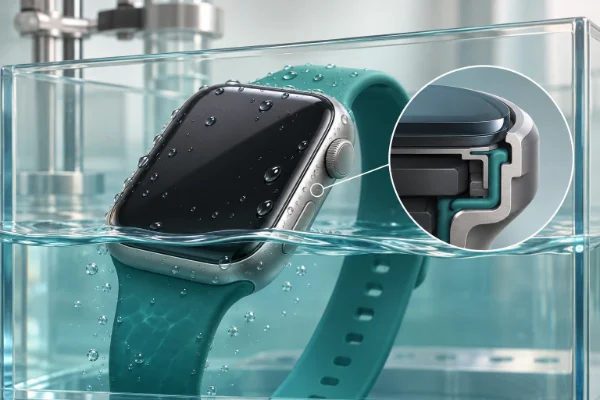
Even if your device has a high water-resistance rating, I recommend taking it off during hot showers. Soaps, shampoos, and hot steam can degrade the waterproof seals over time. Plus, this is the perfect 15-minute window to charge the battery!
2. Do I need to carry my phone with me on runs?
This depends on your specific model. If your wearable has "built-in GPS," you can leave your phone at home and it will still map your route. If it has "connected GPS," it relies on your phone's location data, meaning you must carry the phone to map your run accurately.
3. Why is my step count different from the health app on my phone?
Your phone primarily tracks movement from your pocket, while your watch tracks arm swings. It is completely normal for there to be a slight discrepancy between the two. The tracker is generally more accurate for steps as it is always on your body.
4. Will leaving Bluetooth on all day drain my phone's battery?
Modern wearables use Bluetooth Low Energy (BLE). While it does use a tiny bit of your smartphone's battery to maintain the connection, the drain is minimal and usually less than 1-2% over an entire day.
5. How long does it take for the sleep tracker to learn my habits?
Most advanced sleep algorithms need about seven to fourteen days of consistent overnight wear to establish your personal baseline. Do not panic if the first few nights of data seem slightly erratic or generic.
Taking the Next Step
Setting up your device thoughtfully is an act of self-care. It transforms a piece of cold technology into a personalized mentor that respects your boundaries and supports your goals. Now that your tracker is optimized and ready to go, strap it on, step outside for a brisk walk, and enjoy your first week of mindful, distraction-free wellness tracking.