Wearable Size and Fit for Consistent Sensor Contact
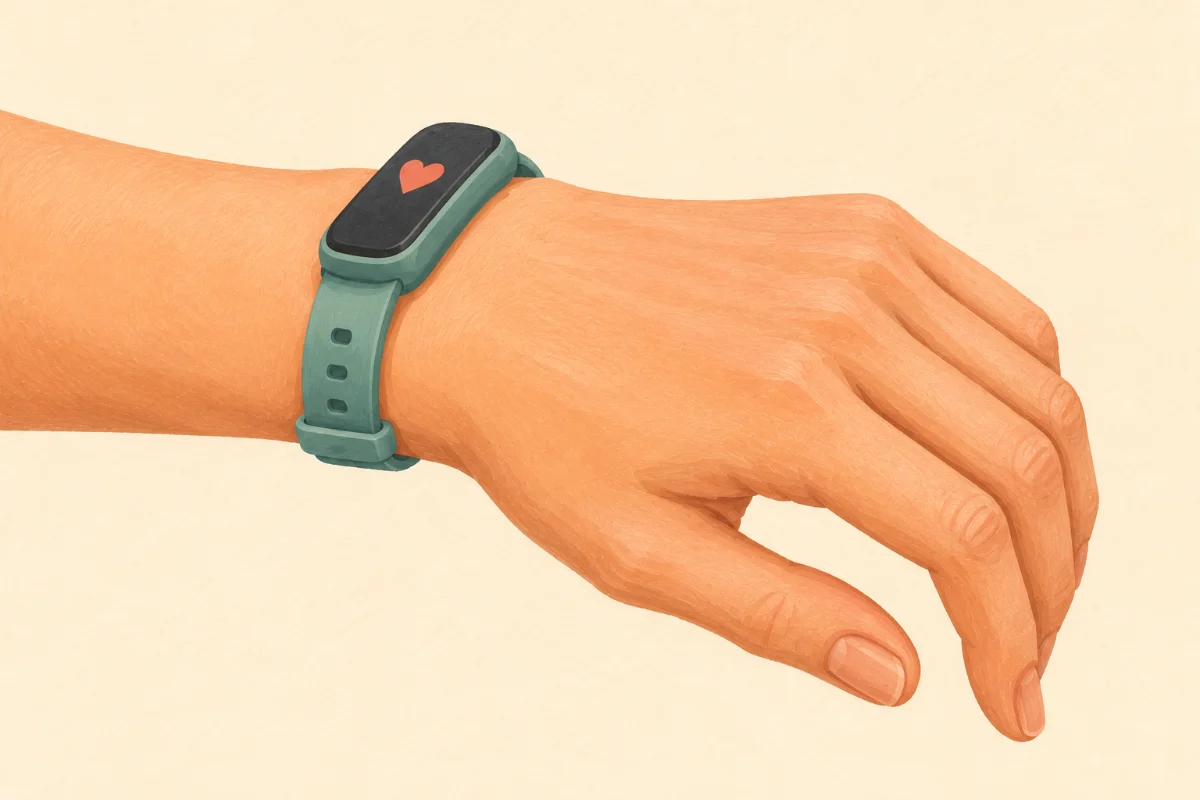
Have you ever woken up to check your sleep data, only to find that your tracker thinks you were awake half the night? Or perhaps you have been in the middle of an intense workout, and your smartwatch suddenly lost your heart rate signal. Before you start looking for the receipt to return your device, there is a crucial factor to consider: how you are wearing it. Achieving the correct wearable size and fit is the foundation for accurate, consistent sensor contact. Today, I am going to walk you through exactly how to wear your smartwatch or smart ring to ensure you get the reliable wellness data you deserve, without sacrificing your comfort.
Understanding the Science of Sensor Contact
To understand why fit matters so much, it helps to know how your wearable actually works. Most smartwatches and rings use a technology called Photoplethysmography, or PPG for short. If you look at the back of your device, you will likely see tiny green, red, or infrared lights flashing. These sensors shine light into your skin to measure the blood volume changing in your microvasculature with every heartbeat. For this to work effectively, the sensor needs a clear, uninterrupted view of your skin.
If your device is too loose, external light leaks in and confuses the sensors, leading to gaps in your data. If it is too tight, you risk restricting blood flow, which not only gives inaccurate readings but can also cause discomfort and skin irritation. Our goal is to find that perfect "Goldilocks" zone: snug enough to block out ambient light, but loose enough to let your blood flow naturally.
A Step-by-Step Guide to the Perfect Fit
Finding the right fit is a simple process, but it requires a bit of mindfulness. Here is how to adjust your wearable for optimal performance:
- Position it correctly on your wrist: For smartwatches, the device should not sit directly on your wrist bone (the ulna). Push the watch up your arm by about two finger-widths from the base of your hand. The skin here is flatter and has better blood flow, allowing the sensors to sit flush against your arm.
- Adjust the tension: Fasten the band so that it feels secure. You should be able to slide your index finger snugly under the band, but the watch should not slide up and down your arm when you shake your wrist.
- Evaluate for rings: If you use a smart ring, the sizing is slightly different. The ring should slide over your knuckle with a bit of friction but sit comfortably at the base of your finger. When you rotate the ring, it should lightly pull the skin with it, indicating good sensor contact.
- Adapt for exercise: Before you start a vigorous workout like running or HIIT, tighten your watch band by one notch. High-impact movements can cause the watch to bounce, disrupting the optical sensors. Remember to loosen it back to a normal fit once you cool down.
An Alternative Approach to Sizing
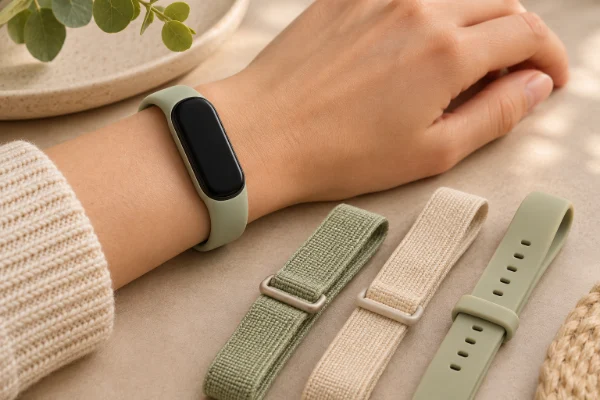
If you find that you are constantly "between holes" on a traditional silicone buckle strap—meaning one hole is too tight and the next is too loose—consider swapping your band. A fantastic alternative is using an elastic nylon loop or a magnetic mesh band. These styles offer infinite micro-adjustments, allowing you to dial in the absolute perfect tension for your unique wrist, regardless of how much your body fluctuates throughout the day.
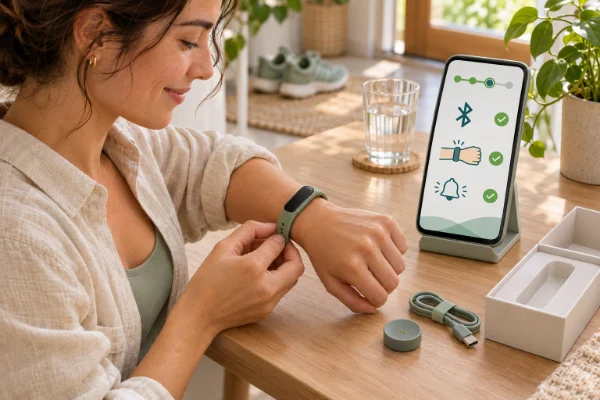
My personal tip: Give your skin a break! If you wear your smartwatch 24/7 for both activity and sleep tracking, try switching the device to your non-dominant wrist right before bed. Not only does this prevent contact dermatitis and allow your skin to breathe, but it also gives the sensors a fresh, flat surface for overnight monitoring. Just remember to tell your device's app which wrist you are wearing it on, if it has that setting.
How to Know You Have Succeeded
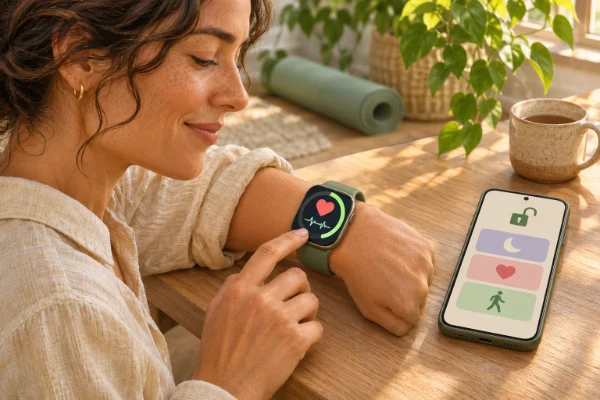
How can you tell if your new fit is working? Check your data graphs in your companion app. If your heart rate chart looks like a smooth, continuous wave throughout the day, you have achieved great sensor contact. Conversely, if you see jagged lines, dotted sections, or missing blocks of time, your device is losing connection. Physically, you should feel comfortable. When you take the device off to shower, you might see a faint imprint of the watch face, but there should be no deep red marks, pain, or indentations.
Common Obstacles and Adjustments
Even with the best intentions, you might run into a few hurdles. Here is how to troubleshoot common sizing issues:
- Obstacle: Skin Irritation. Even if the fit is right, trapped sweat and soap can cause rashes. Solution: Take your watch off when you shower. Clean the back of the sensors and the band regularly with a damp cloth or a mild, alcohol-free wipe, and ensure both your skin and the device are completely dry before putting it back on.
- Obstacle: Wrist Tattoos. The ink in tattoos, particularly dark colors, can block the light from PPG sensors, resulting in highly erratic heart rate readings. Solution: Try wearing the watch on your other wrist if it is uninked. If both wrists are fully tattooed, some users find success by wearing the watch on the inside of the wrist where ink is sometimes lighter, or switching to an alternative tracker like a smart ring.
- Obstacle: Weather Fluctuations. In cold weather, your blood vessels constrict, pulling blood away from the surface of your skin to keep your core warm. This makes it incredibly hard for the sensors to read your heart rate. Solution: Wear long sleeves to keep your arms warm during winter workouts, and ensure the band is securely fastened to capture the fainter signal. Conversely, in the summer heat, your extremities will swell; do not be afraid to loosen your band a notch or move your smart ring to a smaller finger.
Sometimes I have been asked this:
1. Should I wear my smartwatch tighter during workouts?
Yes, absolutely. For activities with lots of arm movement—like tennis, running, or weightlifting—tighten your band by one notch. This prevents the watch from bouncing on your wrist and losing the optical signal. Just remember to loosen it again for everyday wear.
2. Why does my smart ring feel tighter in the morning?
It is completely normal for your fingers to swell slightly overnight due to fluid retention and resting heart rate changes. This is why sizing kits require you to wear a test ring for a full 24 hours. If your ring is uncomfortably tight in the mornings, you may need a slightly larger size.
3. Can wearing a wearable too tight cause nerve damage?
While permanent nerve damage is rare, wearing a device excessively tight can compress the nerves and blood vessels in your wrist, leading to tingling, numbness, or a cold sensation in your hand. If you experience any of these symptoms, immediately loosen the band.
4. Does the material of the watch band affect accuracy?
The material itself does not directly affect the sensor, but it affects how the watch sits on your arm. Heavy metal link bands often slide around more than silicone or woven nylon bands, making them less ideal for tracking workouts, even if they look beautiful in a professional setting.
5. Can I wear my smartwatch loose like a bracelet?
You can, but you must accept that you will lose almost all health tracking benefits. A loose watch cannot measure your heart rate, sleep stages, or blood oxygen accurately. If you want the data, you need proper skin contact.
Final Thoughts on Finding Your Fit
Getting the most out of your wearable technology does not require you to be a tech expert; it just requires a little bit of attention to how the device interacts with your body. By placing your tracker properly, adjusting for swelling, and keeping the sensors clean, you can unlock a wealth of accurate, reliable data about your health. Take a moment today to check your strap or ring—your future self, and your wellness data, will thank you.