Smartwatch Battery Life vs Continuous Health Monitoring
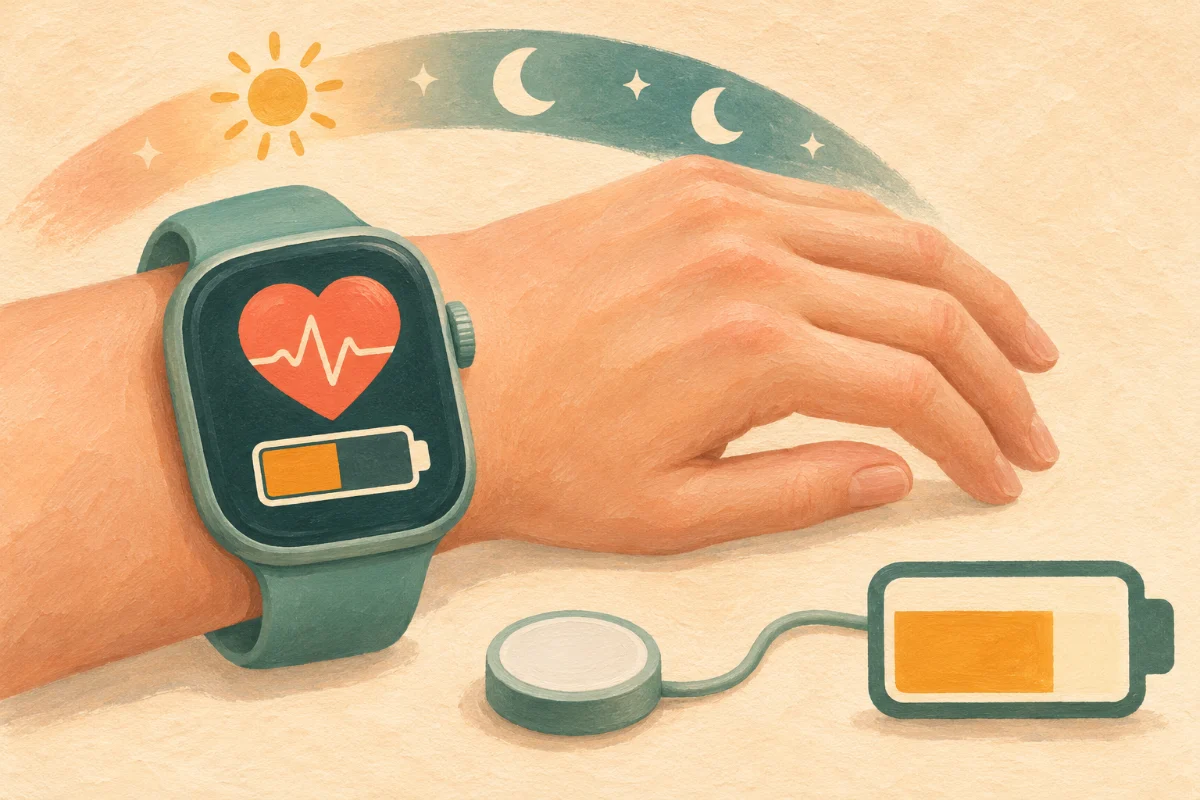
We have all been there: you are about to head out for a long walk, or perhaps you are settling into bed ready to track your sleep, and you look down at your wrist to see that dreaded red battery icon. When I first committed to tracking my daily wellness, the constant need to charge my smartwatch felt like a part-time job. It is a modern dilemma—we want continuous, 24/7 health monitoring, but we also want our devices to last longer than a single day. If you are tired of battery anxiety interrupting your wellness journey, I am here to help. Today, we are going to explore the balance between getting the health data you need and preserving the battery life you crave.
The Trade-Off: Why Health Sensors Drain Your Battery
To strike the right balance, it helps to understand what is actually happening inside your wearable. Your smartwatch is essentially a tiny computer working overtime. To provide continuous health monitoring, it relies on several active sensors. The green and red LED lights underneath your watch (the PPG sensors) are constantly firing to read your heart rate and blood oxygen levels. The accelerometer is tracking every step and wrist flick. Add in background data syncing via Bluetooth, and you have a recipe for rapid battery drain.
The secret is recognizing that not all health metrics require continuous, second-by-second tracking. By making a few mindful adjustments, you can drastically extend your device's stamina without sacrificing the insights that matter most.
Essential Features vs. Battery Killers
Let us categorize your watch's features so you can decide what stays and what goes. Here is a breakdown of common settings:
- Continuous Heart Rate: This is a high-value metric. It tracks your resting heart rate and calorie burn throughout the day. It uses moderate battery, but I usually recommend keeping it on because it is the foundation of most wellness insights.
- Blood Oxygen (SpO2) Tracking: This is a massive battery killer. While useful for spotting sleep apnea trends or adjusting to high altitudes, having it run continuously during the day is rarely necessary for the average woman.
- Always-On Display (AOD): This has zero health benefits but drains your battery faster than almost anything else. If your screen is always glowing, your battery is suffering.
- Continuous Stress Monitoring: This often uses heart rate variability (HRV) data all day long. It is insightful, but if you already know what triggers your stress, you might not need your watch constantly reminding you of it.
A Step-by-Step Guide to Optimizing Your Battery
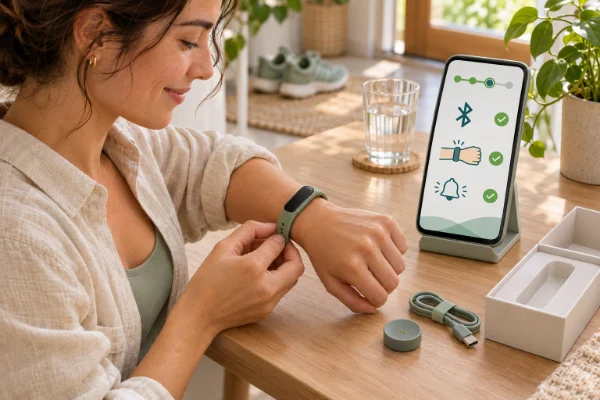
Here is my tried-and-true method for setting up a smartwatch to ensure it lasts for days while still capturing vital health data. Grab your watch and your phone, and let us adjust your settings together:
- Turn off the Always-On Display: Go to your display settings and choose "Raise to Wake." The screen will only turn on when you lift your wrist to look at it. This single change can double your battery life.
- Adjust Blood Oxygen Settings: If your watch tracks SpO2, change the setting from "Continuous" or "All Day" to "Sleep Only" or "Manual." You rarely need this data while you are awake and typing at your desk.
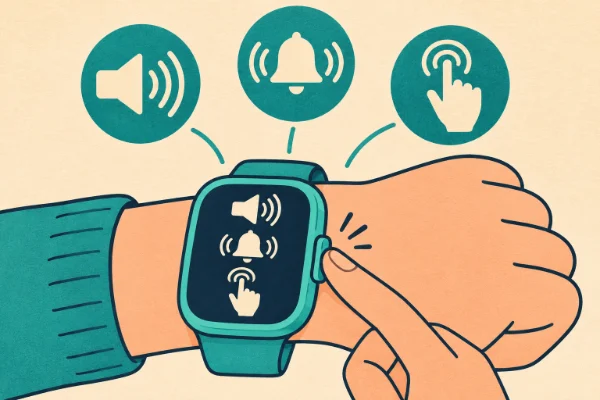
- Manage Your Notifications: Every time your watch vibrates for a text, email, or social media alert, the internal motor uses battery. Turn off notifications for everything except essential calls and messages. This is good for your battery and even better for your mental peace!
- Lower Screen Brightness: Just like on your smartphone, turning the brightness down to 50% or setting it to "Auto" will save a significant amount of power.
- Shorten the Screen Timeout: Set your screen to turn off after 10 or 15 seconds of inactivity, rather than staying lit for 30 seconds or a minute.
An Alternative Approach: Strategic Charging
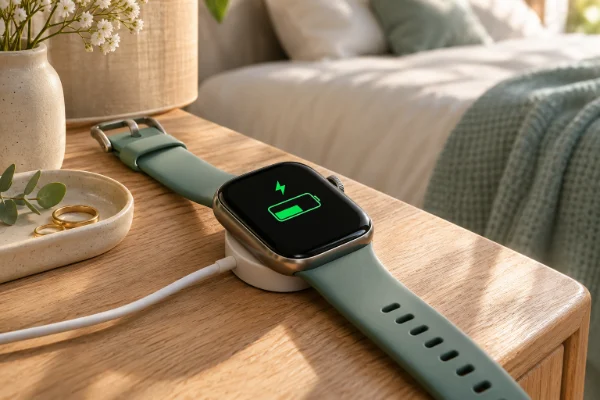
If you absolutely refuse to turn off any continuous monitoring features because you love the deep data, you need to change your charging habits. Instead of waiting for the battery to hit 0% and doing one long charge, adopt "snack charging."
My personal tip: Keep your charger in the bathroom rather than on your nightstand. Every time you take a shower and get ready for the day—usually about 20 to 30 minutes—pop your watch on the charger. Most modern wearables charge fast enough that this daily "snack" will top up whatever battery you used overnight and during the previous day, meaning you never have to take it off for hours at a time.
How to Know You Have Found the Right Balance
You will know your settings are dialed in perfectly when you stop actively worrying about your battery. If you can confidently go away for a weekend trip on a Friday morning and not need a charger until Sunday evening, while still getting your step counts and sleep scores, you have found the sweet spot. The technology should fade into the background and quietly support your lifestyle.
Common Obstacles and Solutions
Even with optimized settings, certain scenarios can unexpectedly drain your device. Here is how to handle them:
- Obstacle: Outdoor Workouts. Using the built-in GPS for a long run or hike will drain the battery rapidly because it is constantly pinging satellites. Solution: Ensure your watch is at least 50% charged before starting a GPS activity. Alternatively, bring your phone with you and use "Connected GPS" if your watch allows it, which forces the watch to use your phone's battery for the location data.
- Obstacle: Cold Weather Drops. Lithium-ion batteries perform poorly in freezing temperatures, sometimes shutting down completely. Solution: If you are skiing or walking in the winter, wear your watch directly against your skin and cover it securely with your coat sleeve and gloves to keep it insulated with your body heat.
Adjustments for Daily Scenarios
Do not be afraid to adjust your settings based on what your week looks like. If you are sick in bed, turn on continuous SpO2 and heart rate monitoring to keep a close eye on your vitals. If you are on a long-haul flight and just want to track your sleep without killing the battery, turn on "Airplane Mode" or "Battery Saver" to stop Bluetooth syncing until you land. Your wearable is a tool; adjust its capabilities to serve your immediate needs.
Sometimes I have been asked this:
1. Is it bad to let my smartwatch battery die completely?
Yes, it is generally better for the long-term health of lithium-ion batteries to avoid letting them drop all the way to 0%. Try to keep your watch between 20% and 80% charged. This reduces stress on the battery chemistry and will help the device hold a charge for more years.
2. Does turning off Bluetooth save battery?
Yes, but it disconnects your watch from your phone. You will not receive notifications, and your health data will not sync to your app until you turn it back on. It is a great temporary fix if you are stranded without a charger, but not practical for everyday use.
3. Should I turn off continuous heart rate monitoring?
I usually advise against this. Continuous heart rate is the metric that feeds into almost everything else: calorie burn, stress tracking, sleep stages, and recovery times. If you must save battery, turn off the Always-On Display and SpO2 tracking first.
4. Does sleep tracking drain a lot of battery?
It drains a moderate amount, typically around 10% to 15% overnight, because the sensors are actively reading your pulse and movement while you sleep. This is why building a daily charging routine during your morning shower is so effective.
5. How long should a good smartwatch battery last?
Expectations vary by brand. A full-featured device like an Apple Watch or Google Pixel Watch generally lasts 18 to 36 hours. Fitness-focused brands like Garmin or Coros can last anywhere from 5 to 14 days, primarily because they use lower-resolution screens and less demanding operating systems.
Final Thoughts on Preserving Your Tech
Finding the harmony between continuous health monitoring and smartwatch battery life is all about intentionality. By turning off the flashy features that do not actually improve your health—like the always-on display—and prioritizing the sensors that do, you can enjoy a seamless tracking experience. Remember, your wearable is meant to simplify your wellness journey, not add another chore to your to-do list. Take a few minutes to customize your settings today, and enjoy the freedom of a battery that actually keeps up with you.