Wearable Accessibility Features Beyond Large Screen Text
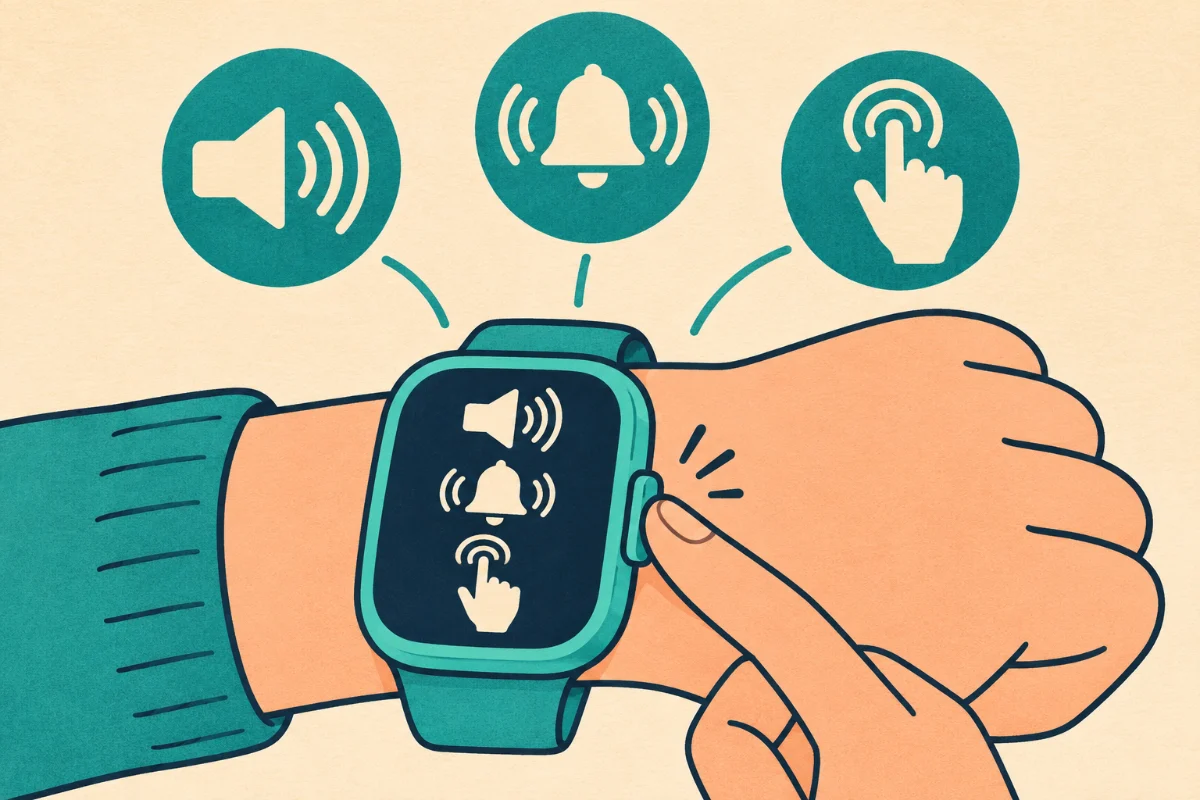
When we talk about making technology accessible, the conversation often stops at "make the text bigger." While high-contrast screens and large fonts are incredibly important, true accessibility in wellness tracking goes much deeper. Whether you are managing a visual impairment, experiencing limited mobility, or navigating sensory processing differences, your health wearable should adapt to you, not the other way around. Today, we are exploring the brilliant wearable accessibility features that go far beyond the screen, empowering everyone to take control of their daily wellness journey.
The Power of Haptic Feedback
Haptic feedback—those precise, targeted vibrations on your wrist—is one of the most powerful accessibility tools a smartwatch offers. It translates visual data into physical sensations.
- Navigation and Pacing: If you are visually impaired, constantly looking at a watch to check your walking pace is impractical and potentially unsafe. Advanced wearables use distinct haptic patterns to communicate. For example, two short taps might mean you are maintaining your target heart rate, while one long, rolling vibration indicates you need to slow down.
- Time-Telling: Some smartwatches allow you to tap the screen, and the device will vibrate the current time using a series of long and short pulses. This provides complete discretion and independence for checking the time during meetings or in dark environments without ever needing to look at a screen or use voice commands.
Voice Control and Screen Readers
The integration of robust digital assistants has transformed how we interact with health trackers. We are no longer limited to tapping tiny icons on a one-inch screen.
- Hands-Free Logging: If you have limited dexterity or arthritis, pressing small physical buttons to log a workout can be painful. Modern wearables allow you to simply raise your wrist and say, "Start a 30-minute indoor cycle," or "Log eight ounces of water."
- Auditory Insights: Screen readers, like VoiceOver on Apple devices or TalkBack on Android, will read your daily health summaries aloud. Instead of squinting at a graph to understand your sleep score, your watch can narrate your deep sleep cycles and resting heart rate trends while you get dressed in the morning.
Gesture Recognition
One of the most exciting advancements in wearable tech is gesture recognition, which allows you to control the device using gross motor movements rather than fine motor taps.
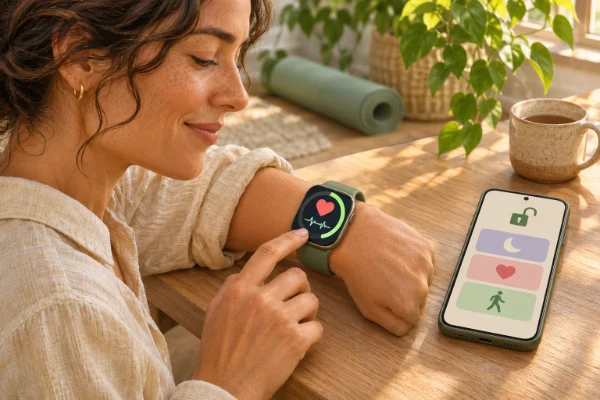
Instead of trying to accurately tap a "stop" button at the end of a run, some devices allow you to double-clench your fist or pinch your fingers together to pause a workout, answer a phone call, or silence an alarm. This is a game-changer for users with tremors, Parkinson's disease, or anyone who simply has their hands full carrying groceries or holding a dog leash.
An Alternative Approach: Screenless Tracking
For individuals who experience sensory overload, the glowing screens, constant notifications, and visual clutter of a smartwatch can be detrimental to their wellbeing. The most accessible option in this scenario is to remove the screen entirely.
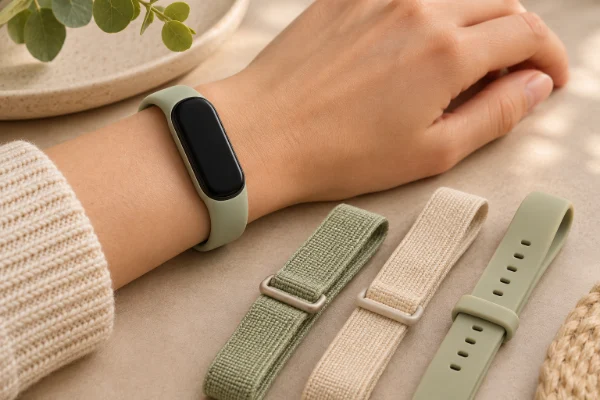
Smart rings (like Oura or RingConn) and screenless bands (like WHOOP) collect all your biometric data silently in the background. There are no flashing lights, no visual alarms, and no required on-device interactions. You only review the data on your smartphone when you are in a calm environment and mentally prepared to process the information. This "invisible" tracking approach is profoundly accessible for neurodivergent users who need data without the daily digital noise.
My personal tip: Do not wait until you "need" an accessibility feature to try it out. I do not have a visual impairment, but I turned on the haptic time-telling feature on my watch months ago, and I love it. It allows me to check the time during long dinners without rudely looking at my wrist. Explore your device's accessibility menu today; you might find a feature that perfectly solves a minor daily annoyance you did not even realize you had!
How to Know These Features Are Working
The ultimate test of an accessibility feature is a reduction in friction. You will know these tools are working when tracking your health feels effortless rather than frustrating. If you can log your daily movement, check your heart rate, and review your sleep quality without needing assistance or feeling physically fatigued by the device itself, the technology is successfully doing its job.
Common Obstacles and Solutions
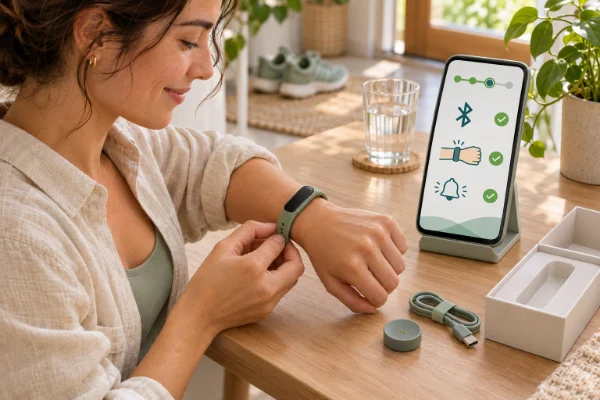
Integrating these features can sometimes require a bit of patience during the setup phase.
- Obstacle: Voice Assistant Misunderstandings. Voice recognition can struggle if you have a speech impediment or a heavy accent. Solution: Spend time in the settings menu training the voice assistant to your specific voice model. Additionally, rely more heavily on custom gesture controls (like double-pinching) which bypass the need for voice commands entirely.
- Obstacle: Overwhelming Haptics. If you are sensitive to touch, strong vibrations can be startling. Solution: Dive into the haptic settings and reduce the intensity. Many watches allow you to choose a "prominent" but soft vibration style, replacing a sharp buzz with a gentle, rolling sensation.
Sometimes I have been asked this:
1. Do smart rings offer accessibility features?
Because they lack a screen, their primary accessibility benefit is for those with sensory processing differences or severe visual impairments who rely solely on screen readers on their phones to interpret data. However, they lack the haptic alerts and voice controls found on smartwatches.
2. Can a smartwatch detect a fall?
Yes, many premium smartwatches feature Fall Detection. Using internal gyroscopes, the watch can detect a hard fall. If you do not respond to an on-screen prompt or haptic alert within a minute, the watch will automatically call emergency services and notify your emergency contacts. This is a vital feature for older adults or those with mobility issues.
3. Are there fitness trackers designed specifically for wheelchair users?
Yes. Mainstream devices, notably the Apple Watch, have specific wheelchair algorithms. Instead of tracking steps, they track "pushes" and calculate calorie burn based on the specific mechanics of wheelchair propulsion. They also change "Stand" reminders to "Roll" reminders.
4. Do these features drain the battery faster?
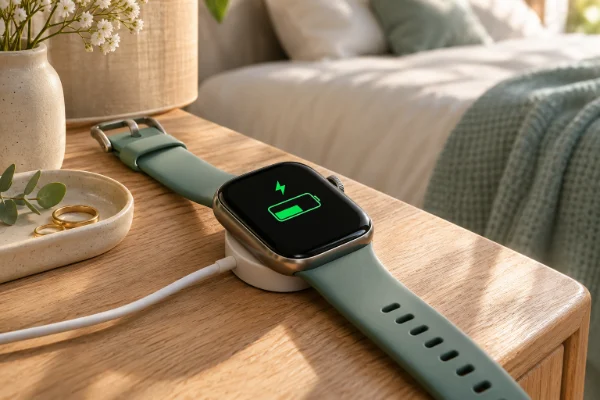
Some features, like having the screen reader constantly active or using high-intensity haptic feedback, will drain the battery slightly faster than standard settings. If you rely heavily on these tools, you may need to adopt a more frequent "snack charging" routine.
5. Is there a learning curve for gesture controls?
Yes, it usually takes a few days for the watch to accurately recognize your specific hand movements, and for you to remember which gesture corresponds to which action. I recommend setting up just one gesture at a time (e.g., clenching your fist to play/pause music) until it becomes second nature.
Final Thoughts on Inclusive Tech
Wellness is a universal goal, and the tools we use to achieve it should be universally accessible. By exploring the haptic, auditory, and gesture-based features built into modern wearables, you can customize your device to fit your unique physical and sensory needs. Do not settle for a tracker that frustrates you. Take control of your settings, demand more from your technology, and build a health tracking experience that truly supports your individual journey.